

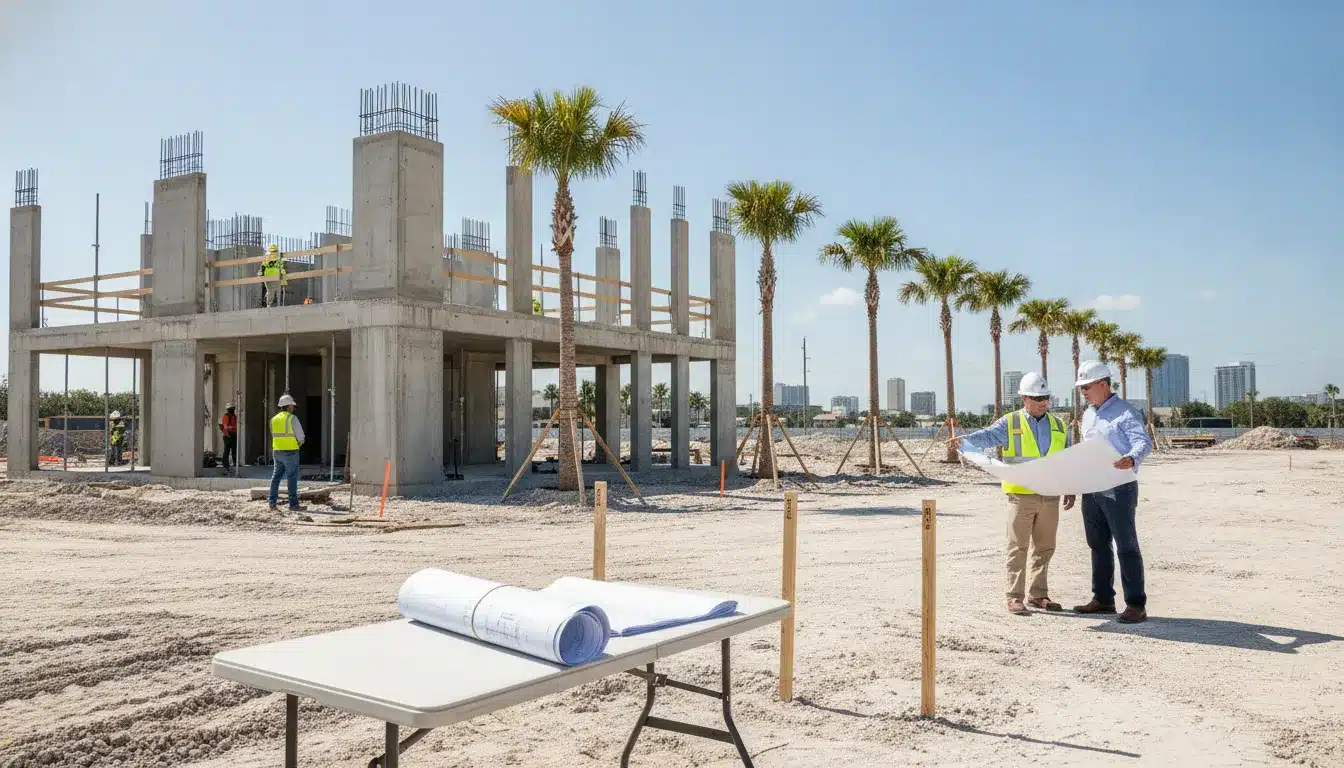
The oakland park building permit process for a commercial project starts with jurisdiction and scope control, not with uploading a drawing set. The City of Oakland Park directs new permits to electronic submission, requires the contractor of record to be registered, and uses its CSS portal for applications, plan-review comments, document uploads, and inspection activity. A project team that confirms the permit path, assembles a complete PDF package, and assigns correction ownership before submittal has a better chance of protecting the construction schedule.
Request a proposal for Oakland Park commercial permitting support
Oakland Park building permit process: confirm jurisdiction and permit scope first
Oakland Park Building and Permitting is the local authority for work within the city. The division is located at 1100 Park Lane East, First Floor, Oakland Park, Florida 33334, and the city lists Building and Permitting contact information and office hours on its official service page. Confirm the current city contact and service details before filing, especially when the project also needs planning, engineering, fire, environmental, or other agency coordination.
Broward County’s permit guidance makes the municipal distinction explicit: Broward County Building Code Division has permitting jurisdiction for unincorporated Broward County, while applicants pulling permits in a Broward municipality must contact that municipality for its requirements. Broward County’s permit-process guidance is therefore useful for understanding countywide application conventions, but it does not replace Oakland Park’s local intake rules.
Define the permit record and related approvals
Start with a written scope statement that identifies the property address, occupancy or use, construction value, proposed work, and each discipline involved. Oakland Park’s online guidance says applicants may need one application for each discipline, or sub-permit, depending on the scope. That means a commercial build-out, addition, alteration, or new building should be reviewed for building, electrical, mechanical, plumbing, fire, demolition, site, and other approvals before the team selects the application path. Use the City’s online submittal guide as the starting point for permit-package setup.
Do not treat an online portal account as a permit approval. Oakland Park’s FAQ states that work generally should not begin before the submitted permit application is approved, subject to limited emergency exceptions handled by the Chief Inspector. For a commercial schedule, the safe control point is an issued permit and a documented release to the field, not a submission receipt. Review the City’s permitting FAQ before authorizing construction activity.
What to prepare before submitting a commercial permit in Oakland Park
The strongest Oakland Park submittals are consistent across the application, drawings, calculations, contractor information, and project value. The City’s rejection guidance identifies file, submission, and documentation problems such as corrupted or secured files, too many separate PDFs, incomplete resubmittals, missing designer approval stamps, and an incorrect permit type. Use those local failure points as a preflight checklist rather than waiting for the first correction cycle.
Build the application package
- Current application: Use the current Broward County Uniform Building Permit Application. Oakland Park specifically warns that the Broward County uniform applications have been modified, so an outdated form can create avoidable intake friction. Check Oakland Park’s Building and Permitting page for the current application link.
- Complete project data: Make the job description, construction value, property information, applicant details, and contractor information agree across every document. The City’s rejection guide identifies missing job value, job description, or qualified applicant information as reasons for rejection on structural work. Review Oakland Park’s local plan-rejection guidance.
- Signed and sealed design documents: Include the designer’s required approval and verify that digital signatures can be opened and validated. Oakland Park cautions applicants not to add optional PDF security, locking, or restrictions that prevent the city from opening, processing, or stamping a file.
- Supporting technical documents: Depending on the project, the city’s rejection guide identifies items such as product approvals or Notices of Acceptance, surveys, elevation certificates, geotechnical reports, structural calculations, energy calculations, finished-floor elevation information, wind design data, and special-inspector documentation. These are scope-dependent requirements, not a universal list for every commercial permit.
- Outside-agency approvals: Identify approvals that must be obtained or coordinated before or during building review. Oakland Park’s local guidance lists missing other-agency approvals and missing asbestos certificates for additions or demolitions among potential rejection issues.
Check Notice of Commencement requirements
Oakland Park’s online submittal guide states that a recorded Notice of Commencement is required for a job value greater than $2,500, except for heat and air-conditioning permits, which use a $7,500 threshold. The guide also states that the Notice of Commencement must be recorded through Broward County before submission to the City. Confirm the threshold and recording sequence against the current city instructions for the exact permit scope, then place the recorded document in the project file before the application is uploaded. See Oakland Park’s current NOC and submittal instructions.
How the Oakland Park building permit process moves through the CSS portal
Oakland Park’s online submittal guide instructs users to register for the CSS portal, register the contractor of record with the city, complete the applicable Broward uniform application and forms, and submit the documentation through CSS. Contractor registration requires the listed license and insurance documentation to be sent to the Building and Permitting division. The city also says all plan documents should be combined into one attachment, while the permit application remains a separate PDF, and that attachments should be titled clearly as Application and Plans.
- Register the project users. Create or confirm the CSS account for the applicant and project team. Retain the account email and portal record in the project controls log.
- Confirm contractor registration. Verify that the contractor of record is registered with Oakland Park and that current license and insurance information is available in the format the city requests.
- Select the appropriate permit and sub-permits. Match the portal selection to the work described in the drawings and application. If the scope spans disciplines, confirm which separate records or sub-permits are required.
- Prepare the PDFs. Keep the application separate. Combine plans and required supporting documents as directed. Use PDF files only, avoid security restrictions, and use descriptive file names.
- Upload and review. Compare the portal data with the application, drawing cover sheet, job value, address, applicant, contractor, and document list before submitting.
- Save the submission record. Capture the confirmation, permit or application number, submitted files, and responsible contact. The portal is also the team’s channel for later comments and plan resubmittals when the user is associated with the permit.
The City describes its Permit Access portal as allowing an associated user to apply for a new permit, view plan-review comments, submit plans, and schedule or view inspection results. Use the official Permit Access page for the current portal and search instructions. Broward County’s ePermits OneStop information explains that some participating municipalities and county approvals use centralized electronic submission, but the municipality-specific instructions control the Oakland Park application path. Review Broward’s ePermits OneStop overview when county-related approvals are part of the scope.
Oakland Park building permit process: plan review, corrections, and fees
After intake, the project team should manage plan review as a controlled correction cycle. Oakland Park’s FAQ publishes indicative review cycles of 10 business days for standard small plans, 5 business days for expedited small plans, 15 to 20 business days for standard large plans such as new construction and substantial improvements, and 8 to 12 business days for expedited large plans depending on project size. The city cautions that times may vary with workload. Treat these as planning guidance, not a guaranteed approval date. Verify the current review-cycle information in Oakland Park’s FAQ.
When comments arrive, log each comment by discipline, sheet or document, responsible party, and due date. Resubmit the complete corrected set required by the city rather than sending partial replacements that leave the reviewer working from an inconsistent record. Oakland Park’s rejection guide specifically calls out incomplete plan resubmittals, missing signatures, incorrect permit types, and files that cannot be opened.
How Oakland Park permit fees should be budgeted
Oakland Park’s fee estimator says job value includes the total value of labor and materials, as verified from the contract amount, or fair-market value for an owner-builder. The city also states that the estimator is for general information, not the actual amount charged. Its current estimator identifies a minimum permit fee of $154 and says the estimate reflects initial application and plan review only. It excludes resubmitted plan reviews for corrections or revisions, submittal deposits for job values over $200,000, service fees, and other administrative costs. Use the City’s fee estimator terms as the fee-budgeting baseline.
| Cost-control item | What the project team should verify | Why it affects schedule |
|---|---|---|
| Job value | Confirm that labor and materials are represented consistently in the application and contract-based value used by the City. Oakland Park fee estimator | An inconsistent value can create fee questions or intake corrections. |
| Initial review estimate | Use the estimator only as an initial planning figure, not as the final invoice. City estimator terms | Budget variance can delay payment and permit issuance. |
| Resubmittal and administrative charges | Reserve for correction-cycle reviews, deposits, service fees, and administrative costs excluded from the estimate. City estimator exclusions | A correction cycle is not complete until the required fee is paid and the revised set is accepted. |
| Payment confirmation | Assign one person to monitor invoices and retain payment receipts with the permit record. Oakland Park Building and Permitting services | Unresolved invoices can hold issuance even when review comments are closed. |
Permit issuance, inspections, and closeout
Once the plans, corrections, and required fees are accepted, coordinate permit issuance with the field release. Oakland Park lists permit pickup and plan corrections among its in-office services and asks visitors to call or email before arriving. The city also provides online permit access for associated users, including plan-review comments and inspection results. Confirm the City’s current issuance and customer-service procedure.
The permit holder or the permit holder’s agent is responsible for calling for an inspection when the work is ready, according to Oakland Park’s FAQ. Online inspection requests must be entered in the Permit Access portal by 3 p.m. on the business day before the requested inspection date. The city states that requests before 3 p.m. are performed the following business day, while requests after 3 p.m. are scheduled for the second business day. Use the City’s Permit Access and inspections instructions for current cutoff rules.
For commercial project control, maintain an inspection matrix showing the permit record, trade, prerequisite work, requested date, result, correction, and next release condition. The final inspection is not a paperwork afterthought. Broward County explains that individual inspections may be needed for different aspects of work and that a final inspection confirms that the job was completed properly. Review Broward’s permit-process explanation for the inspection and final-inspection framework.
Closeout should include final inspection results, approved revisions, signed documentation, outstanding correction resolution, and any certificate or occupancy-related deliverable applicable to the project. Keep the permit record, inspection reports, invoices, and agency approvals in the project closeout file so the owner and construction team can document what was approved.
Oakland Park commercial permit checklist
Use this checklist at kickoff, before CSS submission, at each correction cycle, and before field release:
- Confirm the property is within Oakland Park and identify any county or outside-agency approvals.
- Define the commercial scope, occupancy or use, job value, disciplines, and permit records.
- Obtain the current Broward County Uniform Building Permit Application and required local forms.
- Confirm contractor-of-record registration, license information, and insurance documentation.
- Check drawings for required professional signatures, seals, product approvals, calculations, surveys, and project-specific technical documents.
- Record the Notice of Commencement through Broward County when the Oakland Park threshold applies.
- Combine plans and required documentation as one PDF, keep the application separate, and remove file restrictions.
- Register and validate the CSS account, then capture the submission confirmation and permit number.
- Assign review-comment ownership by discipline and maintain a resubmittal log.
- Budget the initial fee, possible correction-cycle fees, deposits, service fees, and administrative charges.
- Pay required invoices and confirm issuance before releasing construction work.
- Request inspections before the city cutoff, track every result, resolve corrections, and document final closeout.
Schedule-control guidance for Florida project teams
Oakland Park’s published process gives project teams several practical control points. First, run a document-readiness review before the application enters CSS. A missing signature, locked PDF, incomplete application, or wrong permit type can consume schedule time before substantive review begins. Second, create one source of truth for job value and scope so the application, plans, fee estimate, and contractor documents do not conflict.
Third, plan review cycles around the city’s published business-day ranges and workload caveat. Do not promise an owner a permit date based only on the first review estimate. Add time for corrections, payment, resubmittal, trade coordination, and inspections. Fourth, keep inspection readiness separate from permit issuance. A project can have an issued permit and still lose field time if prerequisite work, inspection requests, or correction responses are not coordinated.
For teams that need an owner-side coordinator, All Florida Permits provides permit management support, inspection management, and project-specific consultation. The scope should be defined around the actual Oakland Park permit records, document responsibilities, review tracking, and schedule risks rather than assumed city approval timelines.
Get a proposal for Oakland Park permit expediting and review-cycle coordination
Oakland Park building permit process FAQ
Can a commercial permit application be submitted online in Oakland Park?
Yes. Oakland Park’s FAQ says new permits should be submitted electronically, and the city’s online guidance directs users to the CSS portal. The exact permit type, sub-permits, and document requirements depend on the commercial scope. Confirm the current electronic-submittal instructions with Oakland Park.
What portal does Oakland Park use for permit applications and inspections?
Oakland Park’s Permit Access page directs associated users to the city’s online portal to apply for permits, view plan-review comments, submit plans, and schedule or view inspection results. Use the city’s current portal link rather than an old bookmark because portal addresses and access instructions can change.
What documents should be combined for an Oakland Park submission?
The city’s online submittal guide says plans and required documentation should be submitted as one combined attachment, while the permit application should be a separate PDF. The guide also says attachments should be titled clearly and that image, JPEG, and TIFF formats are not accepted for these documents.
How long does Oakland Park plan review take?
The city’s FAQ lists 10 business days for standard small plans, 5 business days for expedited small plans, 15 to 20 business days for standard large plans, and 8 to 12 business days for expedited large plans depending on project size. Oakland Park notes that workload can change those times, and the ranges do not eliminate correction, payment, resubmittal, or inspection time.
How are Oakland Park commercial permit fees calculated?
Oakland Park’s estimator uses the total value of labor and materials, or fair-market value for an owner-builder, as the job-value basis. The estimator identifies a $154 minimum permit fee and warns that the estimate does not include correction-cycle plan reviews, deposits for job values over $200,000, service fees, or other administrative costs. Treat the result as a planning estimate and confirm the final invoice with the City.
When should inspections be requested?
The permit holder or the permit holder’s agent requests inspections when the work is ready. Oakland Park states that online requests must be entered by 3 p.m. on the business day before the requested date. The city says requests entered before 3 p.m. are performed the following business day and later requests are scheduled for the second business day, subject to current city operations.