

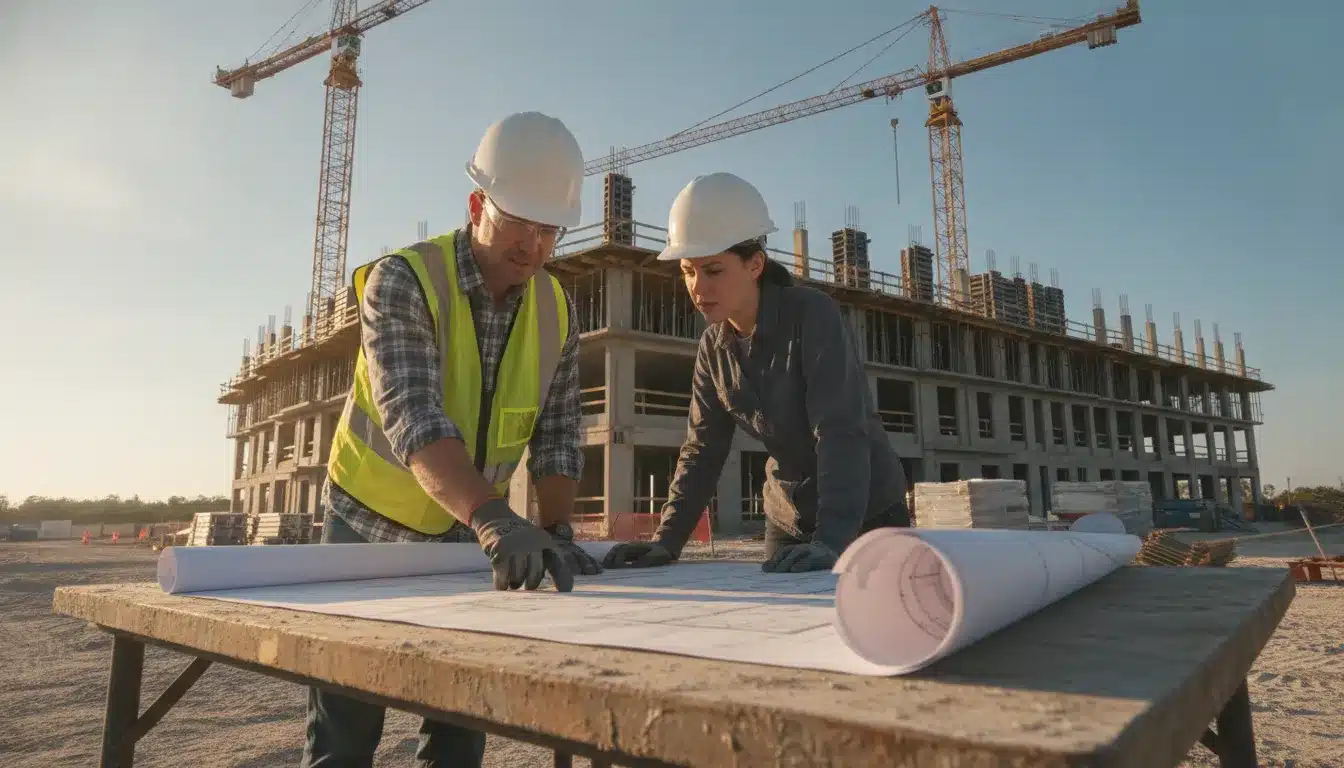
The Flagler County Florida building permit process for commercial work starts with jurisdiction, a complete application packet, and current plans. Central Permitting receives and routes applications. The Building Department reviews plans and conducts required inspections.
Request a proposal for Flagler County permit support
How does the Flagler County Florida building permit process begin?
Project location determines the correct permitting authority. Flagler County Central Permitting serves county Growth Management functions. It also routes land development and right-of-way applications to the appropriate divisions. Start with the official Central Permitting page.
Do not assume that every project in the county uses the same portal. Projects inside Palm Coast should be checked against the city’s Building Services requirements. Projects in Flagler Beach should be checked against the city’s Building Plan Reviews and Inspections Division.
Confirm the site address and authority before paying fees or uploading plans. A jurisdiction check protects the schedule from an avoidable transfer or rejected submission.
For county work, Central Permitting links to the online permit portal. It also links to the online submittal guide, requirement packets, fee schedules, and printable forms. Those resources are the practical starting point for a commercial team.
What should a commercial team prepare before intake?
Flagler County uses an online application packet workflow. A contractor creates an account and selects the building permit packet type. The applicant then chooses a permit subtype and enters the project description.
The applicant also supplies owner and contractor information. The county online submittal guide describes the account and packet steps.
Contractors must be registered in the Building Permitting database before creating an account. The guide recommends connecting the account to the correct contractor license number. This step helps prevent an application from being associated with the wrong license holder.
Build a project-specific document register before opening the packet. The county maintains requirement packets by permit type. Use the applicable packet instead of relying on a generic commercial checklist.
- Confirm the legal project address and jurisdiction.
- Identify the owner, contractor, design professionals, and licensed trades.
- Match the packet subtype to the actual scope of work.
- Use consistent file names and current plan revisions.
- Separate plan sheets from supporting documents when the portal requests categories.
- Resolve missing signatures and license associations before submission.
Commercial scope may require plans, specifications, structural information, site documents, trade documents, product approvals, and agency materials. The exact list depends on the permit subtype and site conditions. Confirm each item against the county requirement packet.
The county guide states that the packet dashboard shows whether required fields and attachments are complete. The submit button appears after minimum requirements are met. The license holder must then digitally sign the generated application.
How does online intake move from packet to submission?
Start by naming the packet so the project team can identify it later. Enter the project description carefully. Use the same project name and address across the application, drawings, specifications, and supporting documents.
Upload documents into the portal categories that match their document type. The county guide describes uploading attachments from the applicant’s device. It also recommends following the portal’s file naming instructions.
Review the dashboard before submitting. Resolve every red or incomplete indicator. Check the owner data, contractor license, scope description, and plan revision date.
After submission, the system generates an application for review and signature. The license holder signs digitally. The applicant should save the submission confirmation and maintain a copy of the exact uploaded set.
This control is important when a reviewer requests a correction. The response must identify what changed from the submitted set. It should not create a new, untracked plan version.
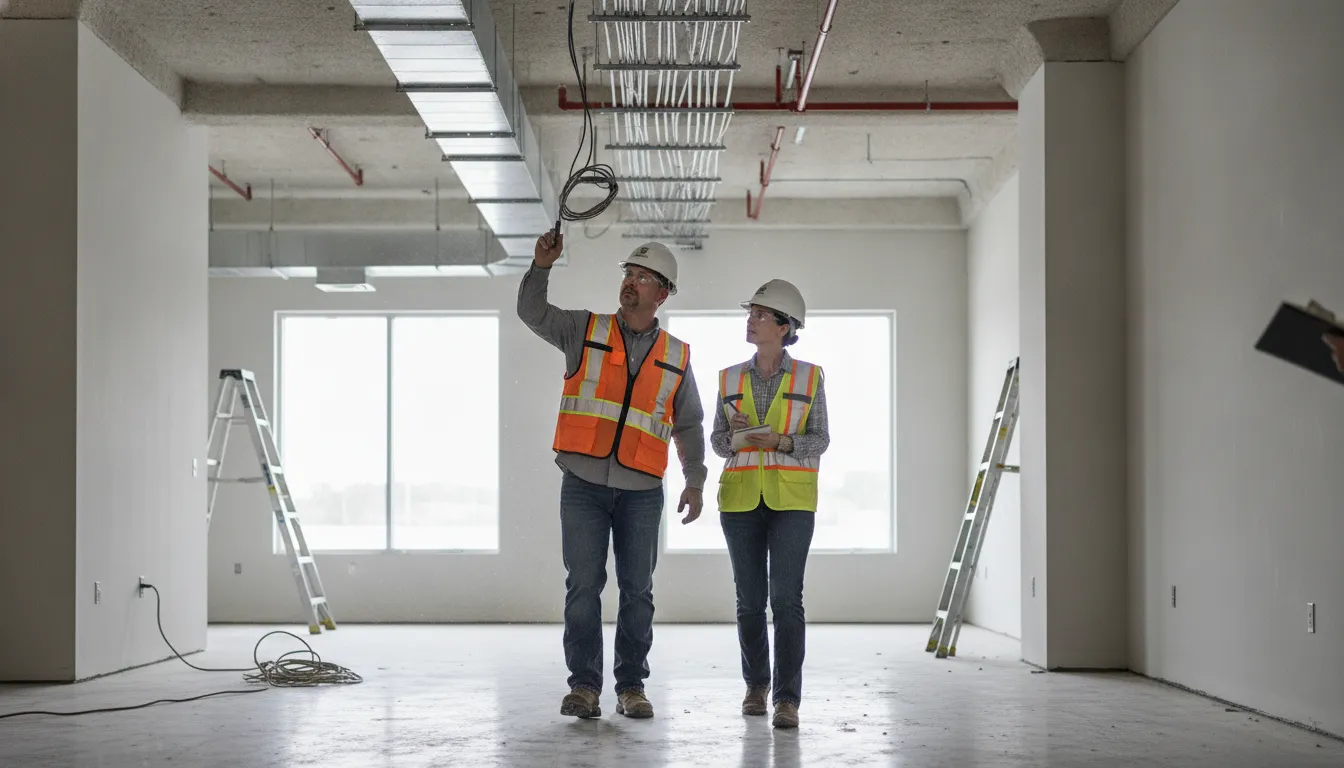
How does Flagler County plan review and correction handling work?
After submission, the county routes the packet to the reviewing departments associated with the application. The Building Department reviews building plans and conducts required building inspections.
Flagler County identifies the Eighth Edition of the Florida Building Code, published in 2023. It also identifies the 2020 National Electrical Code. These references appear on the county’s Building and Inspections page.
A rejection or correction notice is not the same as a final denial. The county guide instructs applicants to log back into the portal. The applicant can then review the rejection and upload corrections.
Maintain a response matrix for every review comment. Map each comment to a revised sheet, supporting document, or written explanation. Assign an owner and due date for each response.
For revisions, the guide describes a separate upload path. The applicant selects the reviewing departments. The applicant then provides a detailed description and uploads the corrected documents.
The applicant submits the revision through the portal. The system generates a revision sheet. A separate revision sheet is not needed unless the county specifically requests one.
Before resubmission, compare the revision clouding and sheet index. Check the specification references and consultant responses. A complete response package reduces the risk of another correction cycle.
All Florida Permits can support document control and follow-up through its permit management services. The service does not replace county review. It helps keep the application traceable through each response.
What fees should be planned for a Flagler County commercial permit?
Flagler County publishes separate fee resources through Central Permitting. The county’s Growth Management Fee Schedule lists permit-related, review, zoning, engineering, and other charges.
Confirm the current schedule before submitting. Central Permitting also links to impact-fee materials and a comprehensive impact-fee ordinance. A fee schedule may not represent the complete project cost.
The table below summarizes fee categories shown in the published county schedule. It is not a project quote. Confirm the applicable amount with the current county materials.
| Fee category shown by Flagler County | What the team should confirm | Planning note |
|---|---|---|
| Commercial building | Current line-item amount | Confirm any valuation-based charges. |
| Commercial addition | Current line-item amount | Scope and related reviews may create additional charges. |
| Commercial pool | Current line-item amount | Verify whether site, engineering, or trade reviews also apply. |
| Commercial concurrency | Whether the review applies | Confirm the current line-item amount. |
| Resubmittal fee | Whether the fee applies | Budget for correction cycles under the current schedule. |
| Valuation-based fee | Current formula and valuation basis | Use the county formula and current valuation rules. |
Do not combine impact fees, permit fees, plan-review fees, and service charges into one assumed total. Build a fee worksheet for each charge category. Record the source date beside every amount.
A commercial budget may also need resubmittal, reinspection, trade, site, flood-zone, and agency-related charges. Those charges depend on project scope. Confirm them before treating the permit budget as final.
Does Flagler County publish one commercial review timeline?
The county resources reviewed for this guide explain packet submission, corrections, payments, inspections, and status tracking. They do not establish one universal review time for every commercial project.
Build the schedule around the actual permit type and reviewing departments. Add time for correction cycles and consultant responses. Track each status change through the online portal.
A useful schedule separates intake from technical review. It also separates correction preparation from county re-review. This makes responsibility clear when a project has several design disciplines.
Use a status log with the submission date, review department, comment date, response date, and next expected action. That record gives the owner and construction team a reliable project-control view.
Keep separate dates for county action and applicant action. A package may be waiting on the design team even when the portal shows active review. A clear status log exposes that distinction and supports accurate owner updates.
Escalate a stalled item with the permit number, packet type, last portal event, open reviewer comment, and assigned respondent. Avoid sending a general status request without the record needed to locate the packet.
How are inspections scheduled and closed out?
Once the permit is issued, the contractor requests inspections through the county’s online system. The county guide describes selecting an inspection type and choosing an available date.
The applicant submits the request through the portal. The system provides confirmation. The guide also explains how to cancel a request.
Cancellations cannot be made after 7:00 a.m. on the scheduled inspection day unless the applicant contacts the inspector. Plan cancellations early when site conditions change.
The inspection sequence depends on the approved plans and permit type. Maintain an inspection matrix for the requested date, trade, prerequisite work, result, correction item, and next action.
Do not schedule an inspection before the work is accessible and ready. Confirm that the responsible trade has reviewed the approved plans and knows the inspection scope.
Flagler County’s Building and Inspections page states that the Building Department conducts required building inspections. It also identifies contractor licensing and insurance compliance as department responsibilities.
When an inspection fails, record the exact correction. Assign it to the responsible trade. Request the follow-up inspection after the work is complete.
All Florida Permits provides inspection management support for teams that need help tracking requests, dispositions, and follow-up items.
Get a proposal for commercial permit and inspection coordination
What is required for final approval and a certificate of occupancy?
Final approval requires more than a permit number. Confirm that required inspections show approved results. Confirm that correction items are closed.
Also confirm that the approved plans match field conditions. Keep contractor and trade information current in the permit record.
The county online submittal guide explains that applicants can print permit documents from the permit detail page. It also states that the certificate of occupancy can be printed from that page after issuance.
Treat the certificate as a county-issued closeout document. It is not an automatic result of reaching a final inspection. Confirm the issuance status before scheduling turnover or occupancy.
Before turnover, compare the permit record with the closeout package. Include inspection approvals, approved revisions, product documents, testing records, agency sign-offs, and owner-required records.
If the project includes a change of use, site work, or separate agency approval, confirm those items with the relevant authority. Keep those confirmations with the final project record.
Project teams can use All Florida Permits’ consultation services to identify permit dependencies before construction starts. Early coordination helps when a project combines building, site, trade, fire, utility, or right-of-way scopes.
Flagler County commercial permit process checklist
Use this sequence as a project-control checklist. The county’s official resources remain the source of truth for current packet and fee requirements.
- Confirm whether the site is under county or municipal jurisdiction.
- Open the correct county or city permit portal.
- Review the permit-type requirement packet.
- Confirm contractor registration and license association.
- Confirm digital-signature authority for the license holder.
- Prepare plans, supporting documents, and a document register.
- Complete the online packet and review every dashboard indicator.
- Submit the digitally signed application and save the confirmation.
- Track review comments by department and responsible respondent.
- Respond to every correction with a controlled revision package.
- Confirm permit fees, impact fees, and resubmittal charges.
- Schedule inspections only when each stage is ready.
- Resolve failed inspections and document approvals.
- Confirm final approval and retrieve the certificate of occupancy when issued.
For electrical scope within a broader commercial project, review the site’s commercial electrical permit requirements guide. For third-party inspection coordination, see the Florida inspection scheduling resource.
Frequently Asked Questions About Flagler County Permits
Where does a commercial team start the Flagler County permit process?
Start with the official Central Permitting page. Confirm the jurisdiction, permit subtype, requirement packet, online portal, and fee schedule before uploading plans.
Can a rejected application be corrected online?
Yes. The county’s online submittal guide describes reviewing the rejection, uploading corrections, and resubmitting the packet through the portal.
How does a contractor schedule Flagler County inspections?
The online guide describes selecting the inspection type, requesting an available date, and submitting the request online. Track the result before requesting follow-up work.
When can the certificate of occupancy be printed?
The county guide states that the certificate can be printed from the permit detail page after it has been issued. Confirm closeout conditions before turnover.
Are the fee examples in this guide a commercial permit quote?
No. They are examples shown in the published county fee schedule. Confirm current fees and scope-specific charges before setting the project budget.
If your team needs help coordinating a commercial submission, correction cycle, or inspection closeout, request a project proposal from All Florida Permits.